> ## Documentation Index
> Fetch the complete documentation index at: https://docs.upsonic.ai/llms.txt
> Use this file to discover all available pages before exploring further.
# UEL (Upsonic Expression Language)
> Build powerful AI chains with intuitive composition patterns
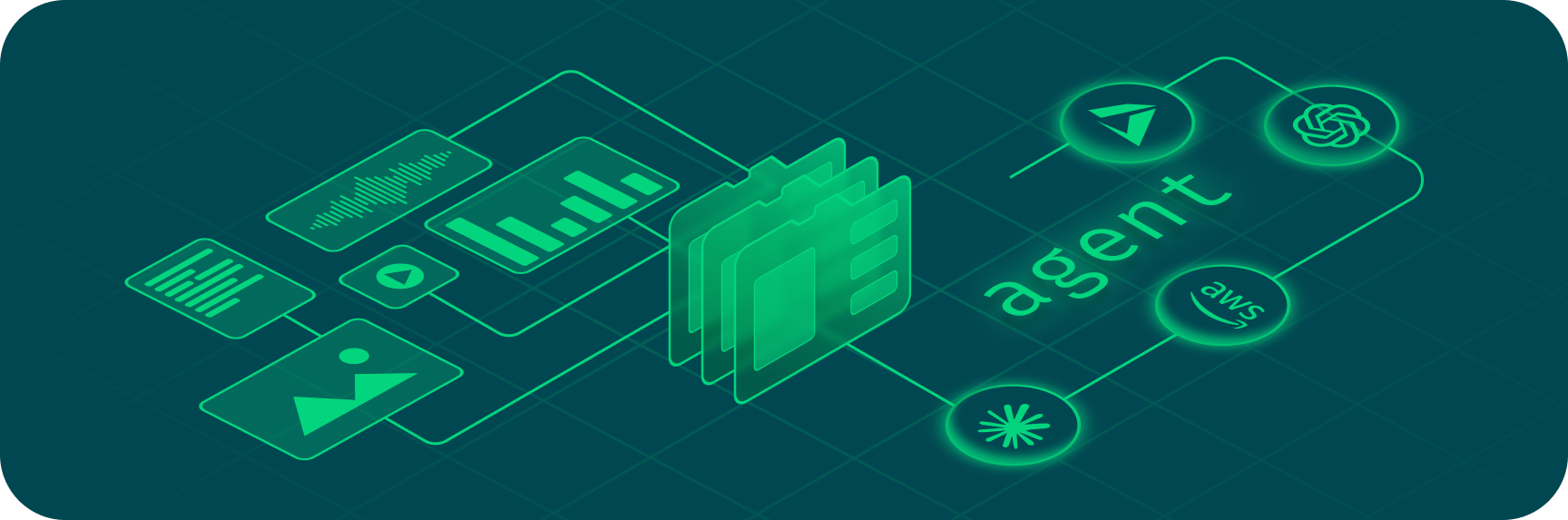 Build powerful AI chains with intuitive composition patterns.
The UEL (Upsonic Expression Language) provides a declarative way to compose AI components into sophisticated chains. Without UEL, building complex AI workflows requires verbose code with manual data passing and error handling. With UEL, you can:
## Overview
UEL can be used with minimal configuration or with extensive customization to suit your specific needs. The system provides a robust foundation for AI-powered applications with built-in support for various advanced features.
## Key Features
* **Chain Components Elegantly** - Use the pipe operator (`|`) for readable, maintainable code
* **Execute Operations in Parallel** - Maximize performance and reduce latency
* **Build Dynamic Chains** - Adapt based on input conditions
* **Manage Conversation History** - Seamlessly handle context across interactions
* **Integrate Tools and Structured Outputs** - Minimal boilerplate required
* **Visualize Your Chains** - Understand complex workflows at a glance
* **Async Support** - Full async/await support for all operations
## Example
### Basic Example
```python theme={null}
from upsonic.uel import ChatPromptTemplate, StrOutputParser
from upsonic.models import infer_model
# Create a simple chain with output parser
chain = (
ChatPromptTemplate.from_template("Tell me about {topic}")
| infer_model("anthropic/claude-sonnet-4-5")
| StrOutputParser()
)
# Execute the chain
result = chain.invoke({"topic": "quantum computing"})
print(result)
```
When using `infer_model()` without specifying a model, it defaults to `"openai/gpt-4o"`. Make sure you have the appropriate API key set in your environment.
### Advanced Example with Memory
```python theme={null}
from upsonic.uel import ChatPromptTemplate, StrOutputParser
from upsonic.models import infer_model
# Create model with memory
model = infer_model("anthropic/claude-sonnet-4-5").add_memory(history=True)
# Create chain with conversation history and output parser
chain = (
ChatPromptTemplate.from_messages([
("system", "You are a helpful assistant."),
("placeholder", {"variable_name": "chat_history"}),
("human", "{input}")
])
| model
| StrOutputParser()
)
# First interaction
response1 = chain.invoke({
"input": "My name is Alice",
"chat_history": []
})
print(response1)
# Second interaction - model remembers context
response2 = chain.invoke({
"input": "What's my name?",
"chat_history": [
("human", "My name is Alice"),
("ai", response1)
]
})
print(response2) # Output: Your name is Alice
```
## Navigation
* [Attributes](/concepts/uel/attributes) - Comprehensive guide to all UEL configuration options
* [Parallel Execution](/concepts/uel/advanced/parallel-execution) - Execute multiple chains simultaneously
* [Conditional Routing](/concepts/uel/advanced/conditional-routing) - Route execution based on conditions
* [Custom Chains](/concepts/uel/advanced/custom-chains) - Create custom chain functions
* [RAG Patterns](/concepts/uel/advanced/rag-patterns) - Build RAG systems with UEL
* [Visualization](/concepts/uel/advanced/visualization) - Visualize your chains
* [Async Execution](/concepts/uel/advanced/async-execution) - Use async/await with chains
Build powerful AI chains with intuitive composition patterns.
The UEL (Upsonic Expression Language) provides a declarative way to compose AI components into sophisticated chains. Without UEL, building complex AI workflows requires verbose code with manual data passing and error handling. With UEL, you can:
## Overview
UEL can be used with minimal configuration or with extensive customization to suit your specific needs. The system provides a robust foundation for AI-powered applications with built-in support for various advanced features.
## Key Features
* **Chain Components Elegantly** - Use the pipe operator (`|`) for readable, maintainable code
* **Execute Operations in Parallel** - Maximize performance and reduce latency
* **Build Dynamic Chains** - Adapt based on input conditions
* **Manage Conversation History** - Seamlessly handle context across interactions
* **Integrate Tools and Structured Outputs** - Minimal boilerplate required
* **Visualize Your Chains** - Understand complex workflows at a glance
* **Async Support** - Full async/await support for all operations
## Example
### Basic Example
```python theme={null}
from upsonic.uel import ChatPromptTemplate, StrOutputParser
from upsonic.models import infer_model
# Create a simple chain with output parser
chain = (
ChatPromptTemplate.from_template("Tell me about {topic}")
| infer_model("anthropic/claude-sonnet-4-5")
| StrOutputParser()
)
# Execute the chain
result = chain.invoke({"topic": "quantum computing"})
print(result)
```
When using `infer_model()` without specifying a model, it defaults to `"openai/gpt-4o"`. Make sure you have the appropriate API key set in your environment.
### Advanced Example with Memory
```python theme={null}
from upsonic.uel import ChatPromptTemplate, StrOutputParser
from upsonic.models import infer_model
# Create model with memory
model = infer_model("anthropic/claude-sonnet-4-5").add_memory(history=True)
# Create chain with conversation history and output parser
chain = (
ChatPromptTemplate.from_messages([
("system", "You are a helpful assistant."),
("placeholder", {"variable_name": "chat_history"}),
("human", "{input}")
])
| model
| StrOutputParser()
)
# First interaction
response1 = chain.invoke({
"input": "My name is Alice",
"chat_history": []
})
print(response1)
# Second interaction - model remembers context
response2 = chain.invoke({
"input": "What's my name?",
"chat_history": [
("human", "My name is Alice"),
("ai", response1)
]
})
print(response2) # Output: Your name is Alice
```
## Navigation
* [Attributes](/concepts/uel/attributes) - Comprehensive guide to all UEL configuration options
* [Parallel Execution](/concepts/uel/advanced/parallel-execution) - Execute multiple chains simultaneously
* [Conditional Routing](/concepts/uel/advanced/conditional-routing) - Route execution based on conditions
* [Custom Chains](/concepts/uel/advanced/custom-chains) - Create custom chain functions
* [RAG Patterns](/concepts/uel/advanced/rag-patterns) - Build RAG systems with UEL
* [Visualization](/concepts/uel/advanced/visualization) - Visualize your chains
* [Async Execution](/concepts/uel/advanced/async-execution) - Use async/await with chains