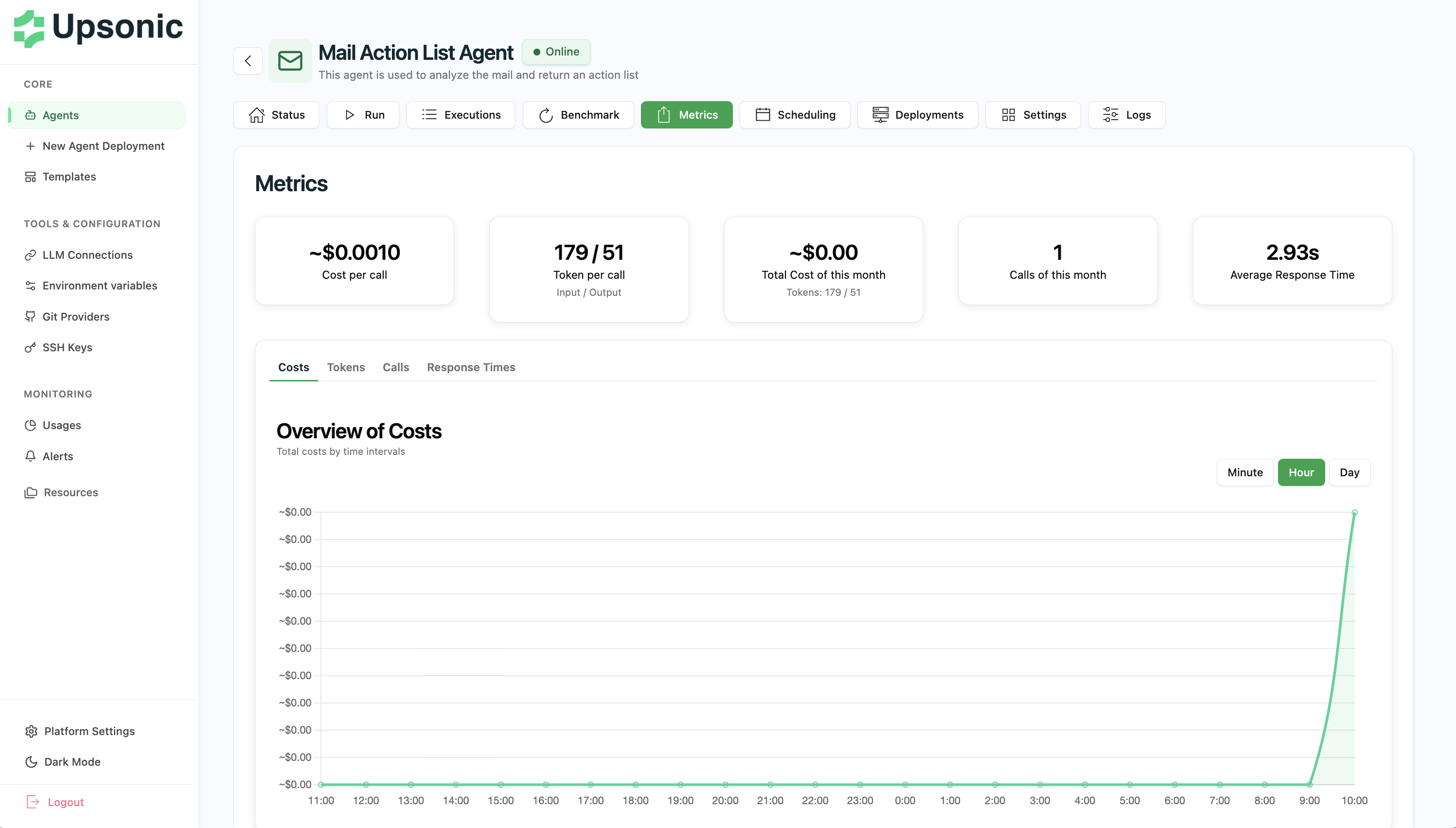
Skip to main content What are Metrics? AgentOS automatically tracks and visualizes key performance indicators for your agents. Monitor costs, usage, response times, and token consumption to optimize your agents’ performance and manage expenses effectively.
For detailed information about agent metrics features, see the Agent - Metrics section.
Tracked Metrics AgentOS collects the following metrics for each agent:
Total Calls - Number of API requests to your agentTotal Cost - Cumulative costs from LLM API usageAverage Response Time - Mean execution durationToken Usage - Input and output tokens consumed
All metrics are tracked in real-time and displayed with both aggregate statistics and time-series visualizations.
Agent Metrics Page View detailed metrics for individual agents on the agent’s Metrics tab.
What You’ll See
Overall Statistics - Total calls, costs, response times, and tokensTime-Series Graphs - Visualize trends over timeCost Breakdown - Track spending per agentPerformance Trends - Identify patterns and anomalies
This page helps you understand a single agent’s behavior and optimize its configuration for better performance and cost efficiency.
All Metrics Page The Usage page provides a consolidated view of metrics across all your agents.
What You’ll See
Platform-Wide Statistics - Aggregate metrics for all agentsAgent Comparison - Compare performance across different agentsCost Analysis - Identify which agents consume the most resourcesUsage Trends - Monitor overall platform utilization
Use this page to get a bird’s-eye view of your entire agent ecosystem and identify opportunities for optimization.