



Overview
The simplest way to get AgentOS up and running. All platform components run as Docker containers on a single machine using Docker Compose. Best for: Development, small teams, single-server deployments.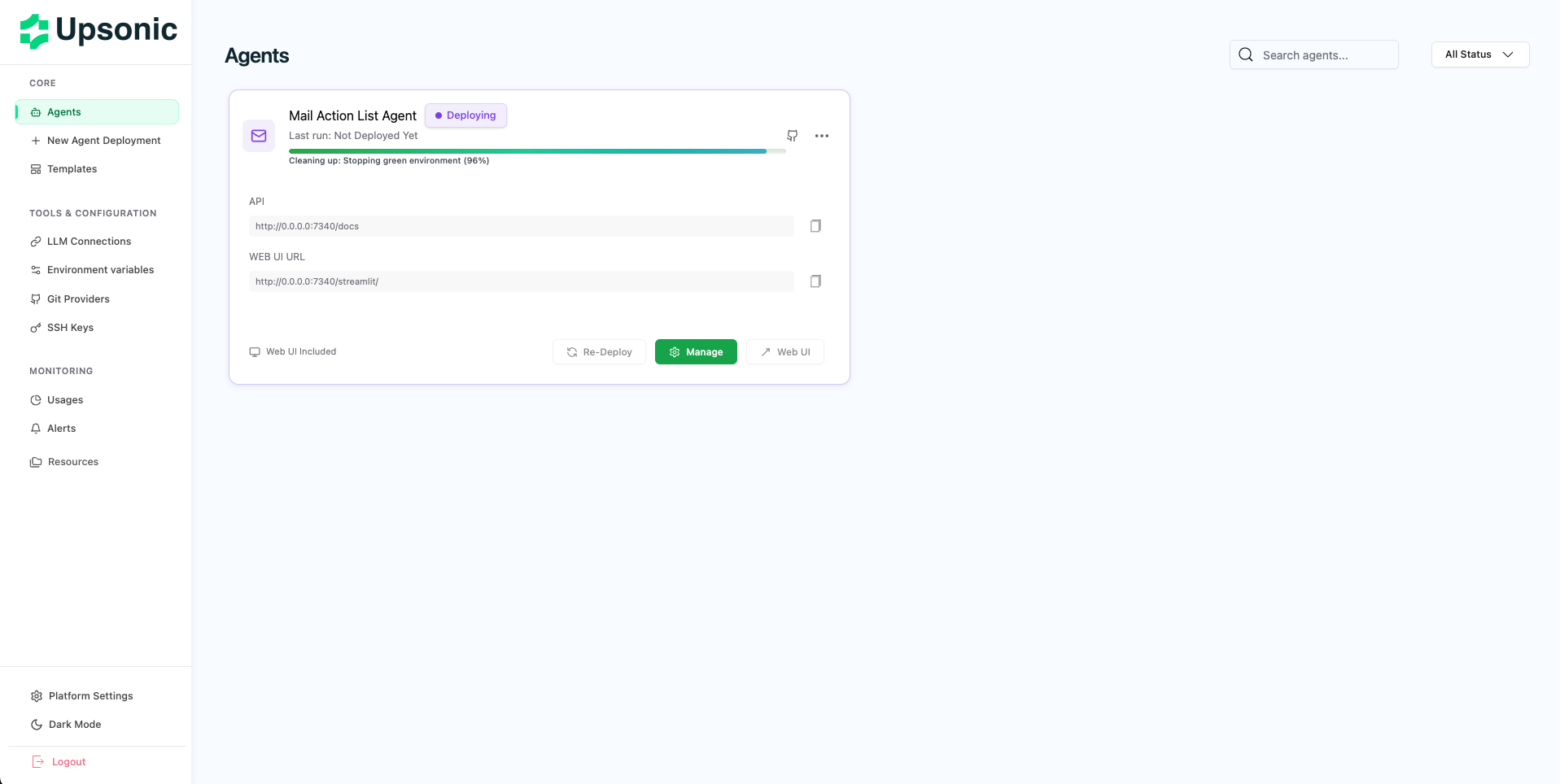
Prerequisites
- Docker (latest version recommended)
- Docker Compose V2
- Minimum 4GB RAM
- Minimum 30GB disk space
Docker Hub Access
Log in to Docker Hub to pull AgentOS images:Start Installation
Download Installation Files
Clone the AgentOS Builder repository:You’ll find
compose.yml and upsonic-start.sh in the repository.Run Installation Wizard
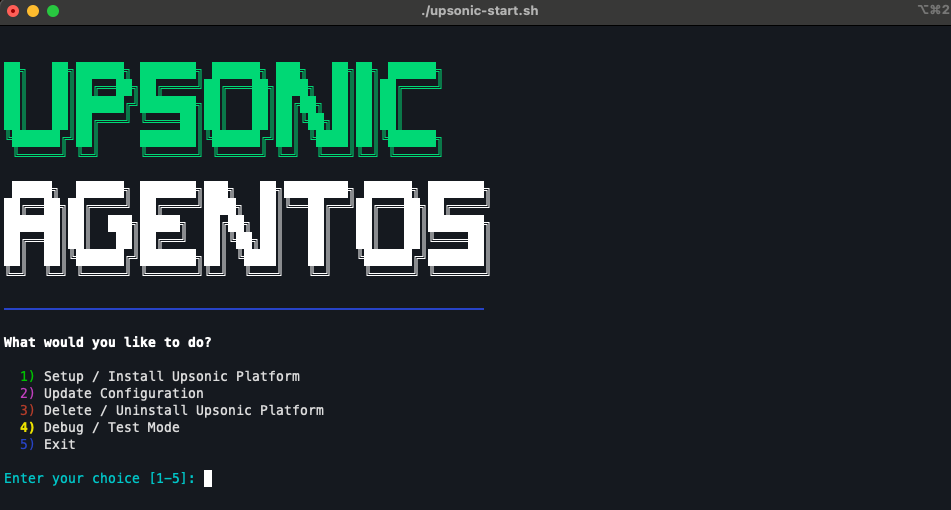
Make the script executable and run it:The wizard will verify prerequisites and guide you through configuration.
Configure Admin Account
Create your admin account:
- Enter admin email address
- Set admin password (minimum 8 characters)
Configure SMTP (Optional)
Configure email notifications:
- Skip: Emails will be logged to console (development mode)
- Configure: Enter SMTP host, port, username, and password for email alerts
Platform Selection
Choose your system architecture:
- Linux (AMD64) — For Intel/AMD processors
- Mac (ARM64) — For Apple Silicon (M1/M2/M3)
Access Your AgentOS
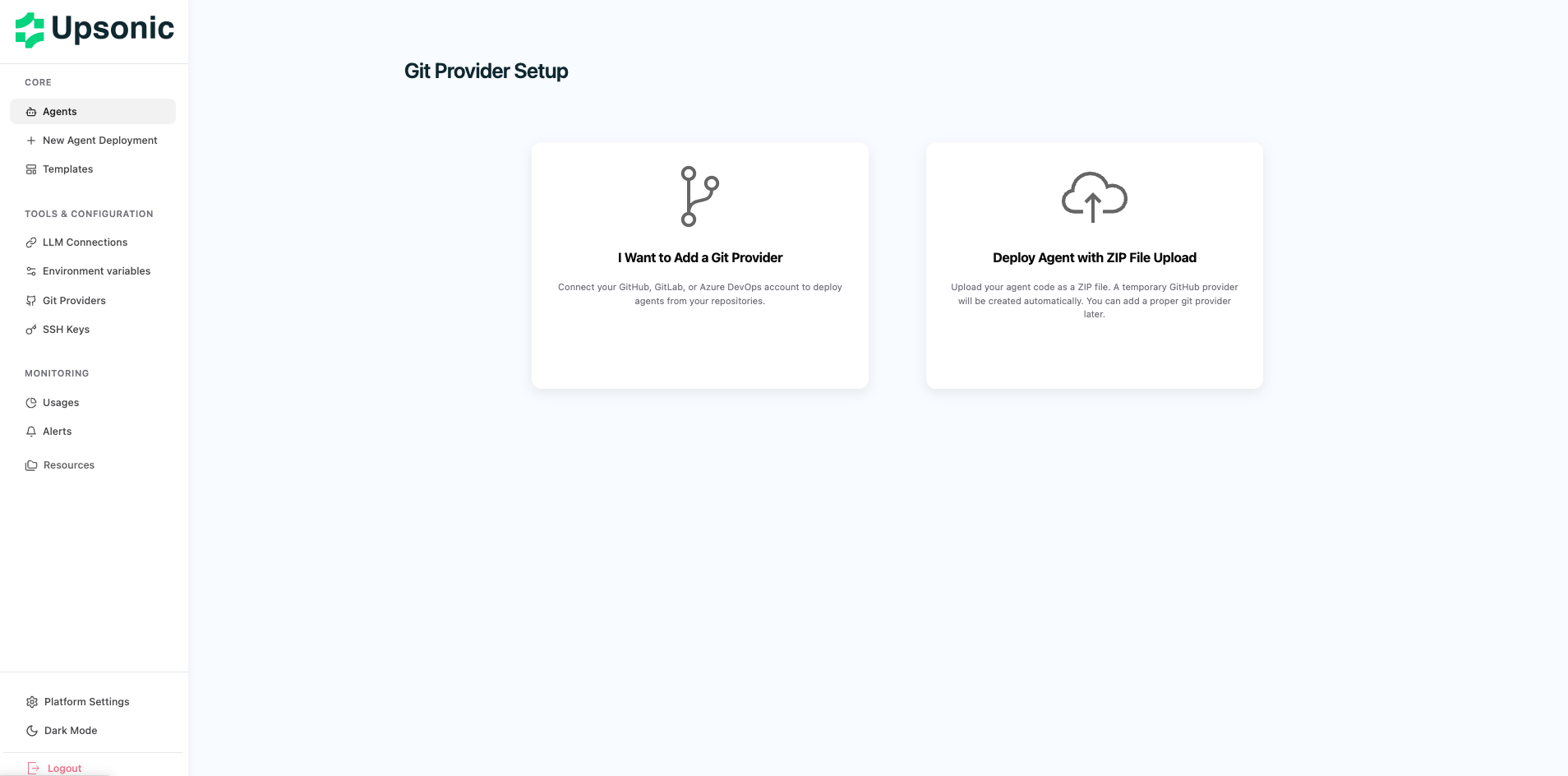
Once the installation wizard completes, you’ll see the access URL displayed in the terminal. Open your browser and navigate to the URL provided (typicallyhttp://IP:PORT). Log in using the admin credentials you created during installation.
Next Steps
Deploy Your First Agent
Create and deploy your first AI agent
Configure Git Provider
Connect GitHub, GitLab, or Azure Repos
Setup LLM Connection
Configure OpenAI, Anthropic, or local models
Kubernetes Installation
Deploy on Kubernetes for production scale