



Overview
Deploy AgentOS on a Kubernetes cluster for production-grade scalability, high availability, and automated agent lifecycle management. Each agent runs as an independent set of microservices with its own database, cache, and API endpoint. Best for: Production environments, multi-agent workloads, teams requiring scalability and isolation.Architecture
When deployed on Kubernetes, AgentOS creates two namespaces:- Platform namespace — Core services: Django web UI, AMS (Agent Management Service), BuildKit, PostgreSQL, Redis, MinIO
- Agents namespace — Each agent gets its own FastAPI deployment, Celery worker, PostgreSQL database, Redis cache, and Ingress with a unique subdomain
Prerequisites
| Requirement | Details |
|---|---|
| Kubernetes cluster | K3s, EKS, GKE, AKS, Kind, or bare-metal |
| Docker | Required on the machine running the installer |
| kubectl | Configured with access to your cluster (~/.kube/config) |
| Wildcard DNS | *.yourdomain.com pointing to your cluster’s external IP |
| Cluster resources | Minimum 4 CPU, 8GB RAM |
Supported cluster types: K3s, Amazon EKS, Google GKE, Azure AKS, Kind, Minikube, and bare-metal Kubernetes.
Start Installation
Download Installation Files
Clone the AgentOS Builder repository and navigate to the Kubernetes installer:This directory contains the installer, update script (
update.py), and example configuration (platform-config-example.yaml).Run the Installer
Start the installer container. It mounts your kubeconfig for cluster access:Then open the wizard in your browser:
Cluster Configuration
Select your cluster type and configure namespaces.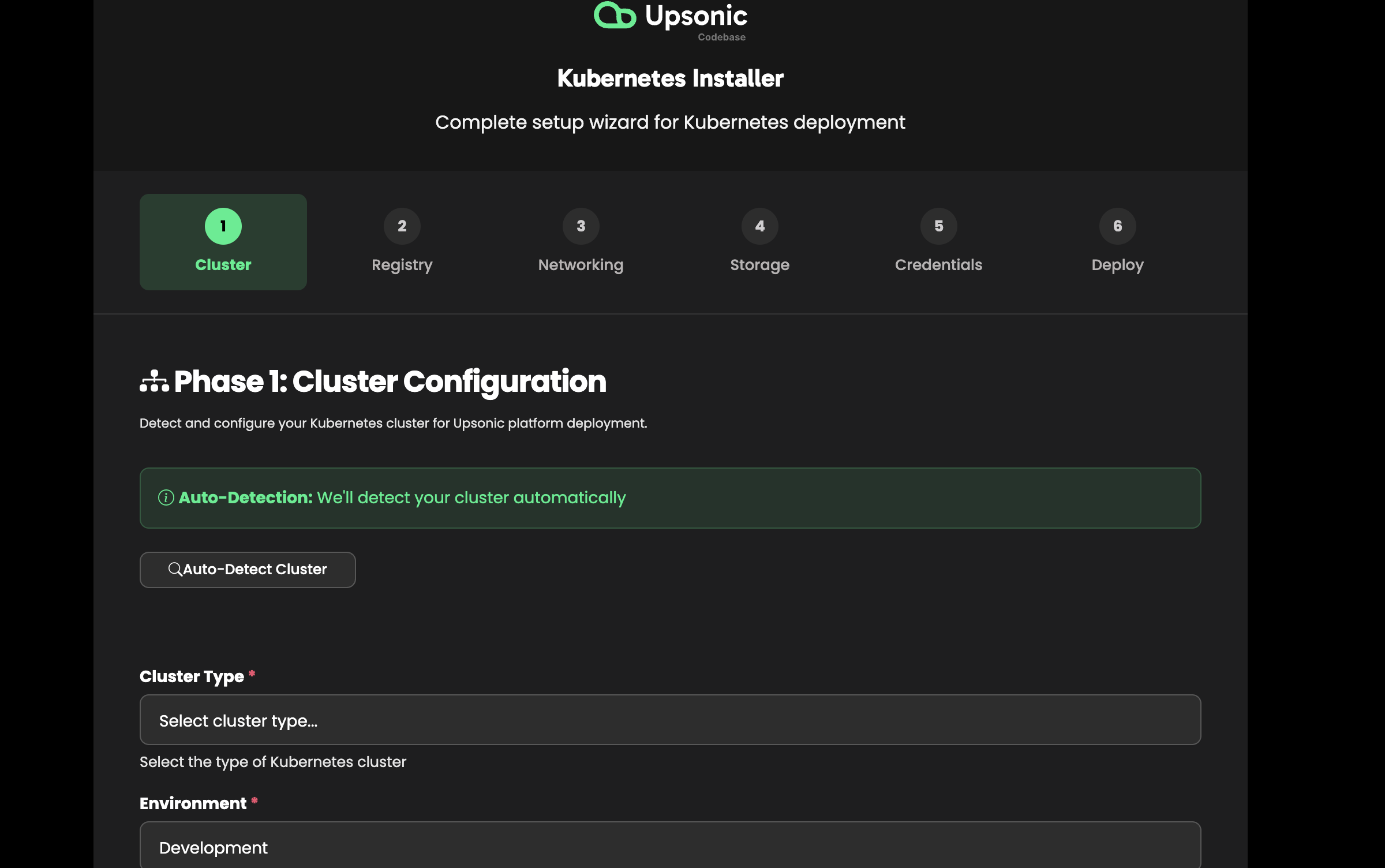
- Cluster type — K3s, EKS, GKE, AKS, Kind, bare-metal
- Platform namespace — Where core services run (default:
platform) - Agents namespace — Where agents are deployed (default:
agents)
Registry Configuration
Configure the container registry for agent images.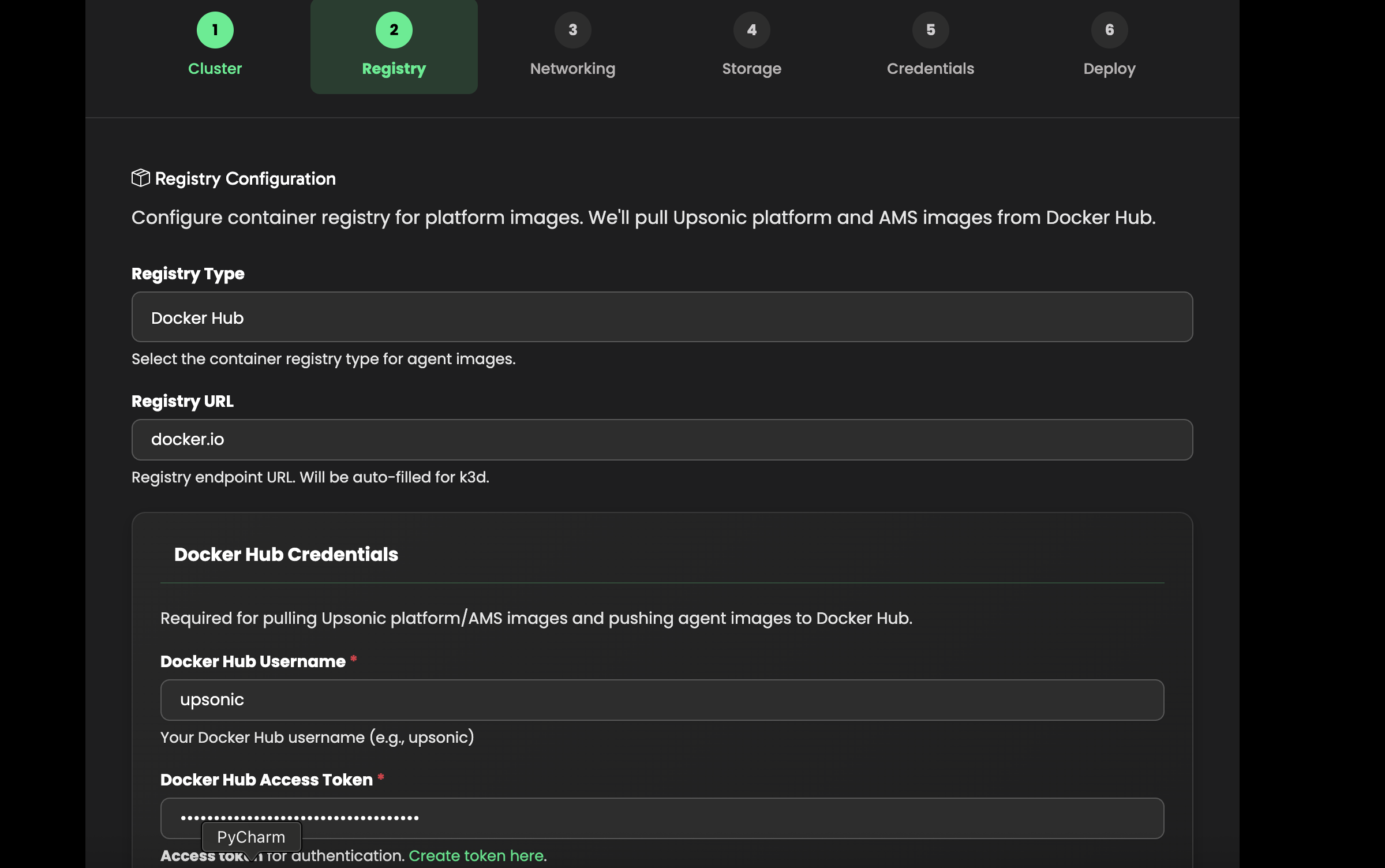
- Registry URL — Docker Hub (
docker.io/upsonic) or a private registry - Docker Hub username and access token — Required to pull and push agent images
Networking
Configure your domain, load balancer, and TLS settings.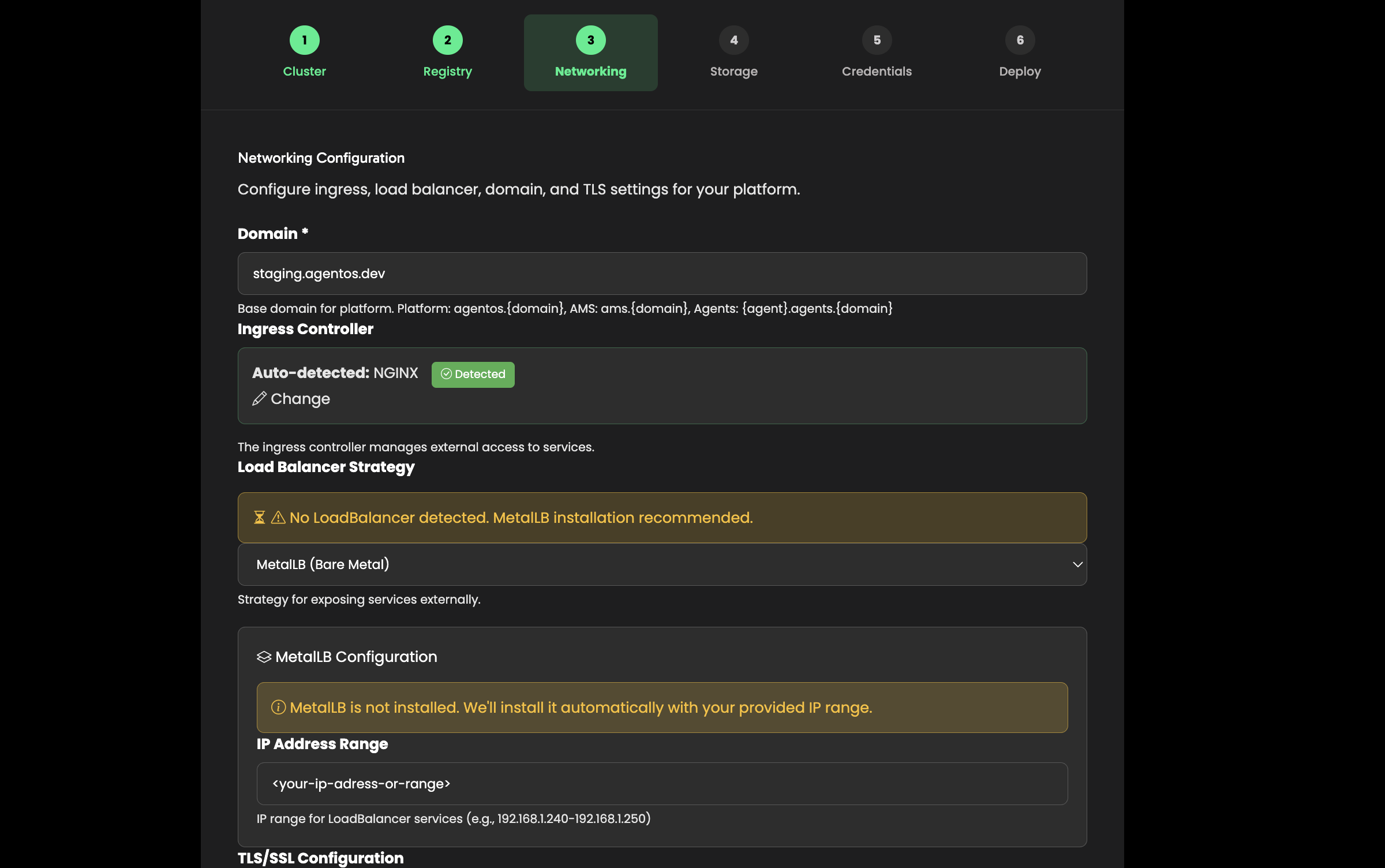
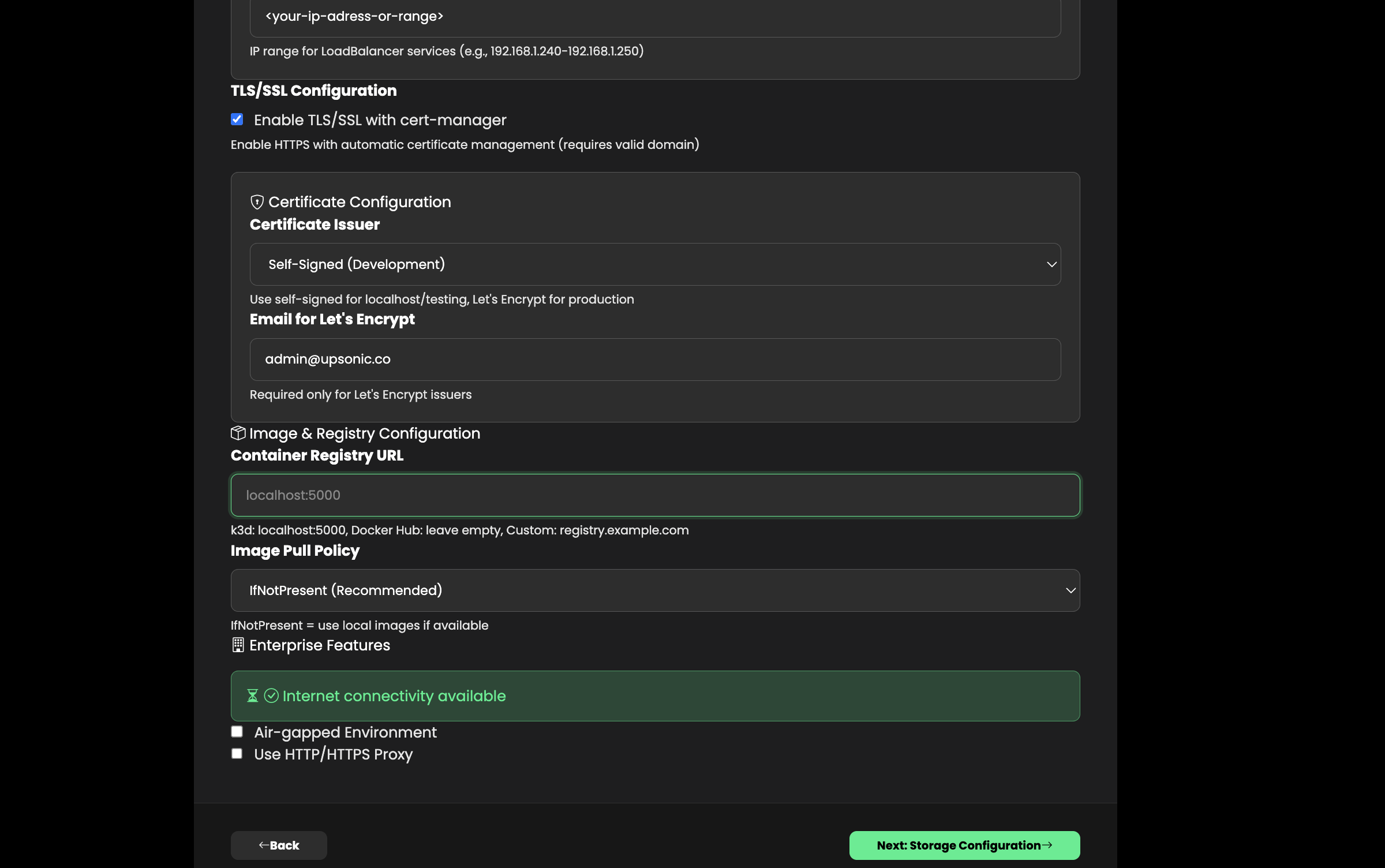
- Domain — Base domain for the platform (e.g.,
mycompany.com) - Ingress class — Usually
nginx(installed automatically if missing) - Load balancer — Auto-detected: Klipper (K3s), MetalLB (bare-metal), or Cloud LB (EKS/GKE/AKS)
- TLS — Enable for automatic HTTPS via Let’s Encrypt (requires valid domain and email)
If your K3s cluster already has Klipper (ServiceLB) running, the installer will detect it and skip MetalLB installation.
Storage
Select the storage class for persistent volumes (databases, file storage).The installer auto-detects available storage classes in your cluster and recommends the best option: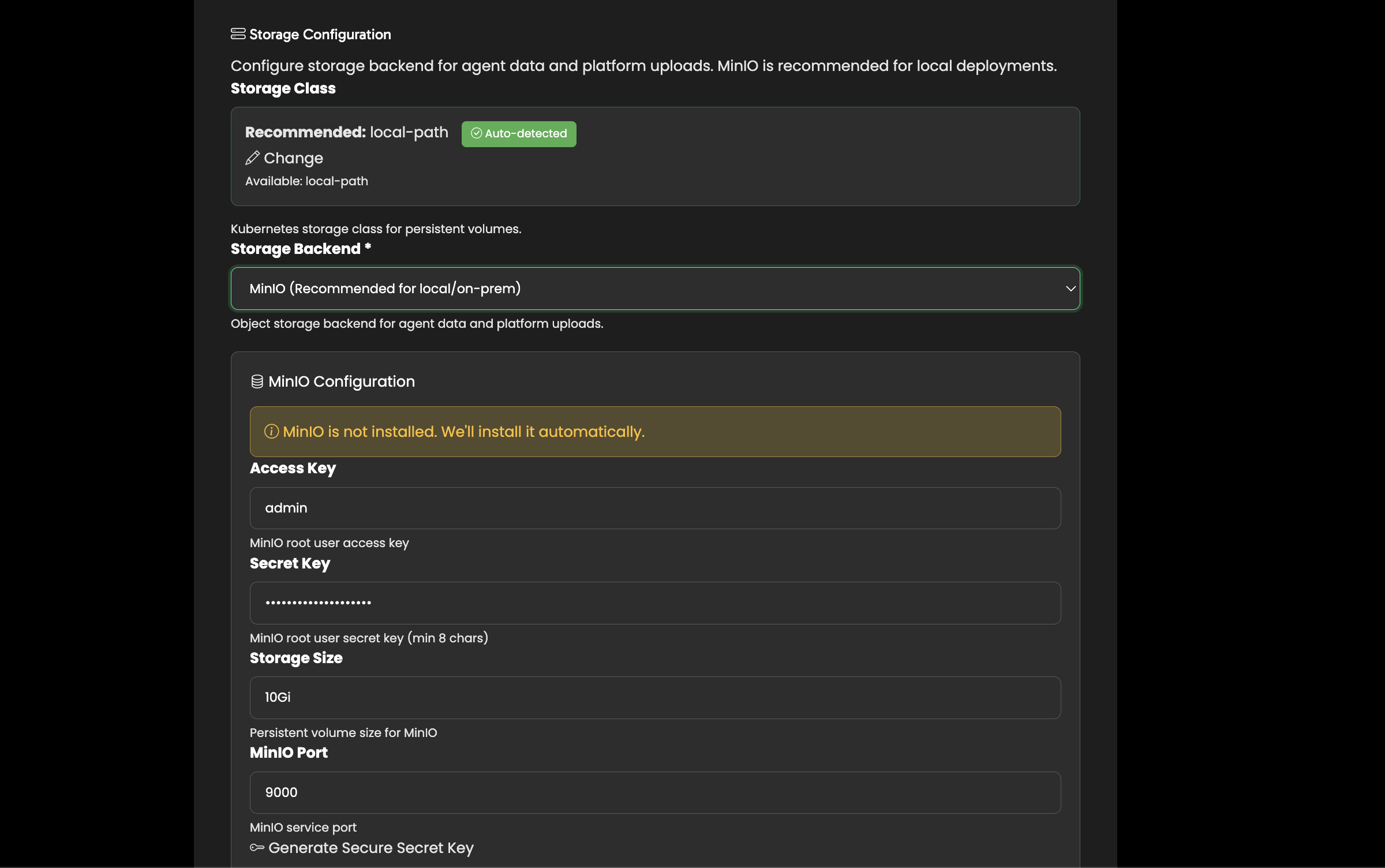
- K3s / Kind —
local-path - EKS —
gp3orgp2 - GKE —
standardorpremium-rwo - AKS —
managed-csi
Credentials
Set up your admin account and platform secrets.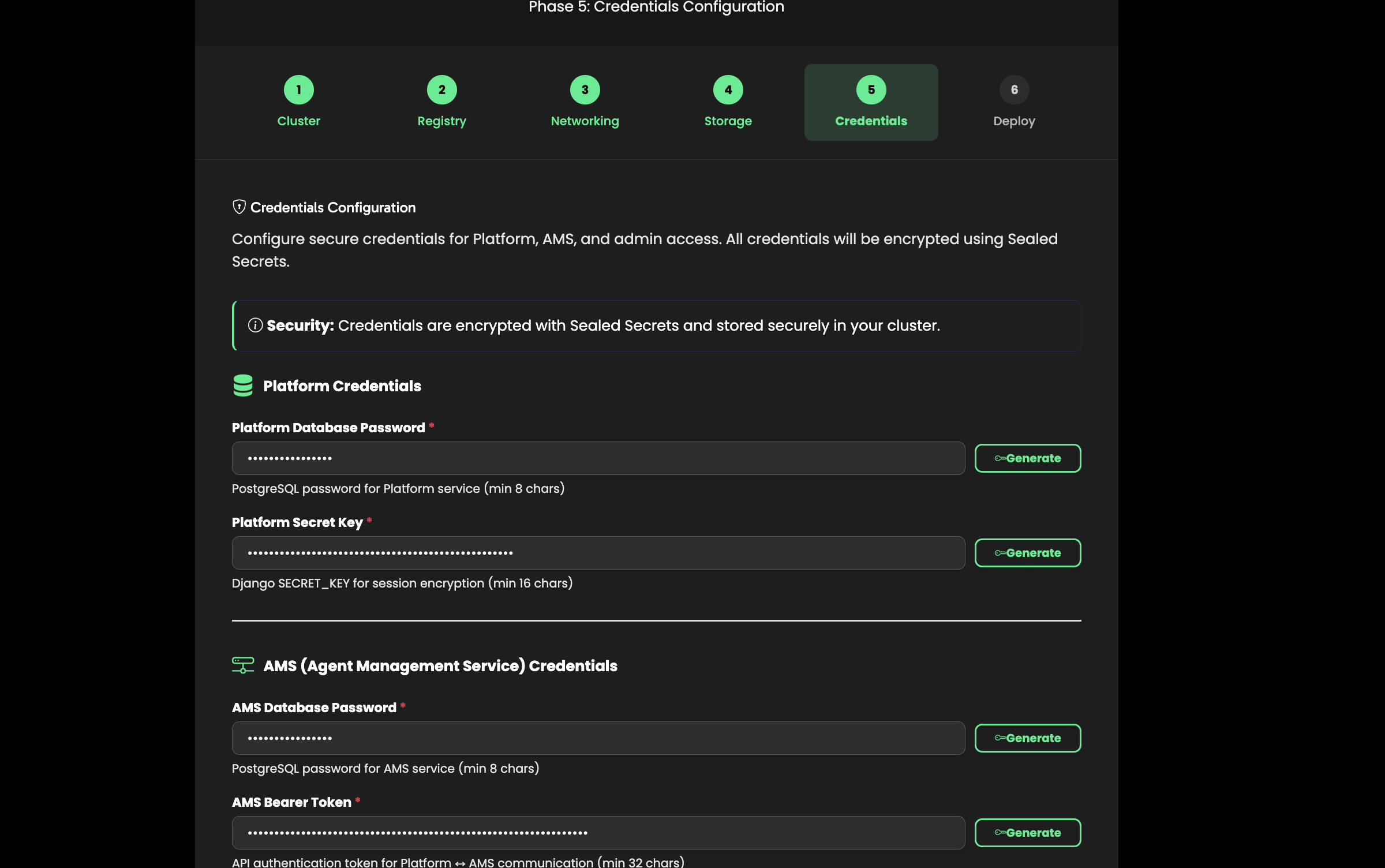
- Admin email and password — For the AgentOS management interface
- Database passwords — Auto-generated, can be customized
- Secret key and Bearer token — Auto-generated for secure inter-service communication
Review & Deploy
Review all configuration settings and click Deploy.The installer runs the full deployment pipeline: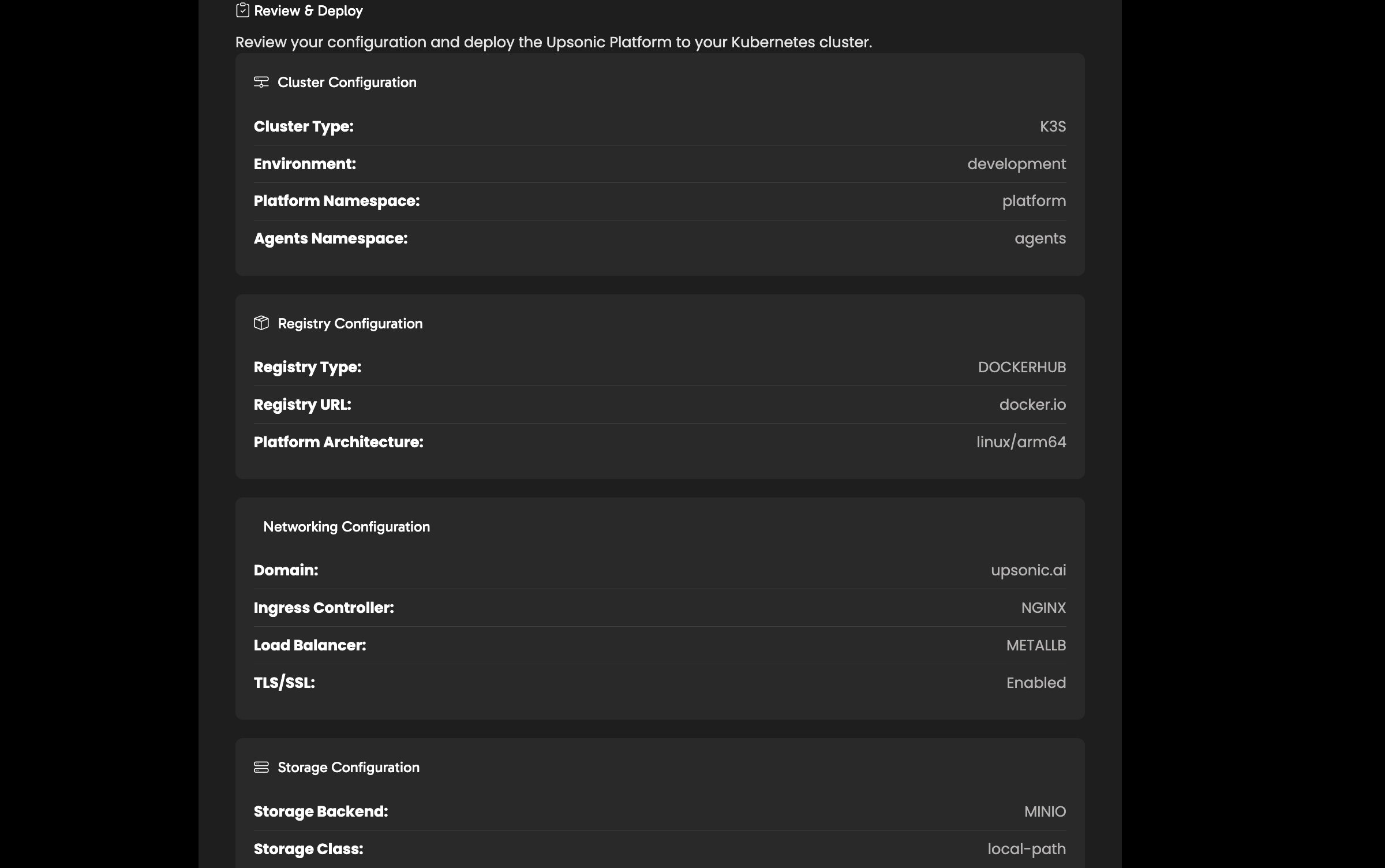
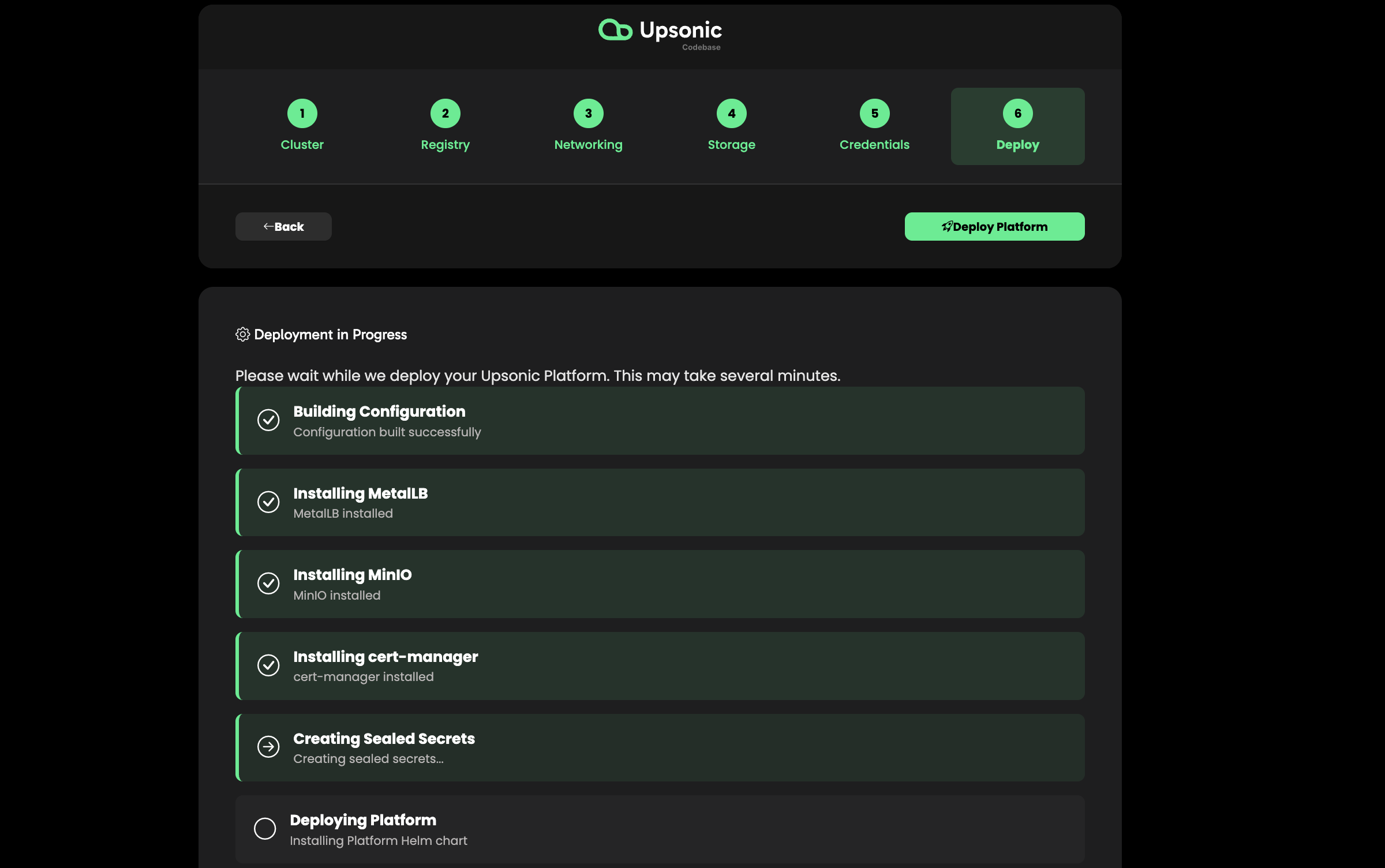
- Create namespaces
- Install NGINX Ingress Controller
- Configure Load Balancer
- Install cert-manager (if TLS enabled)
- Create secrets
- Deploy MinIO (object storage)
- Configure agent registry
- Deploy Platform (Django web UI)
- Deploy AMS (Agent Management Service)
- Configure Ingress routes
- Configure TLS certificates
- Deploy Loki (log aggregation)
- Verify deployment
Access Your AgentOS
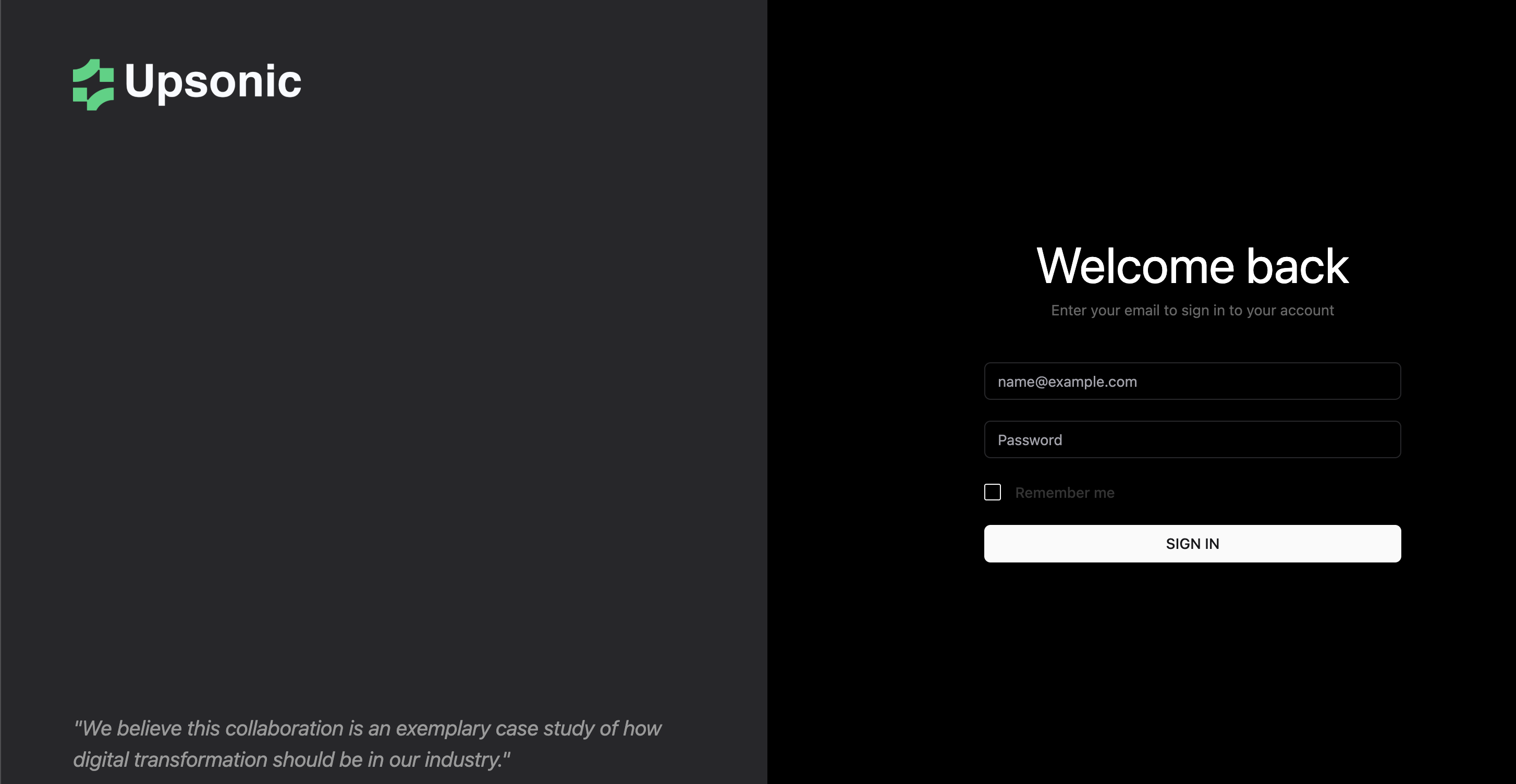
Once deployment completes, access AgentOS at:| Service | URL |
|---|---|
| Platform UI | https://agentos.<your-domain> |
| AMS API | https://ams.<your-domain>/status |
| Agent APIs | https://<agent-name>.agents.<your-domain>/docs |
DNS Setup
A wildcard DNS record is required so that each agent gets its own subdomain automatically. Add the following DNS records pointing to your cluster’s external IP:| DNS Provider | Record Type | Name | Value |
|---|---|---|---|
| Cloudflare | A | * | Your cluster IP |
| AWS Route 53 | A | *.yourdomain.com | Your cluster IP |
| Google Cloud DNS | A | *.yourdomain.com | Your cluster IP |
Updating AgentOS
To update an existing Kubernetes deployment, use the update script included in the repository:Configuration Reference
Theplatform-config-example.yaml file in the k8s directory contains all available configuration options with comments. Use it as a reference when customizing your deployment:
Next Steps
Deploy Your First Agent
Create and deploy your first AI agent
Configure Git Provider
Connect GitHub, GitLab, or Azure Repos
Setup LLM Connection
Configure OpenAI, Anthropic, or local models