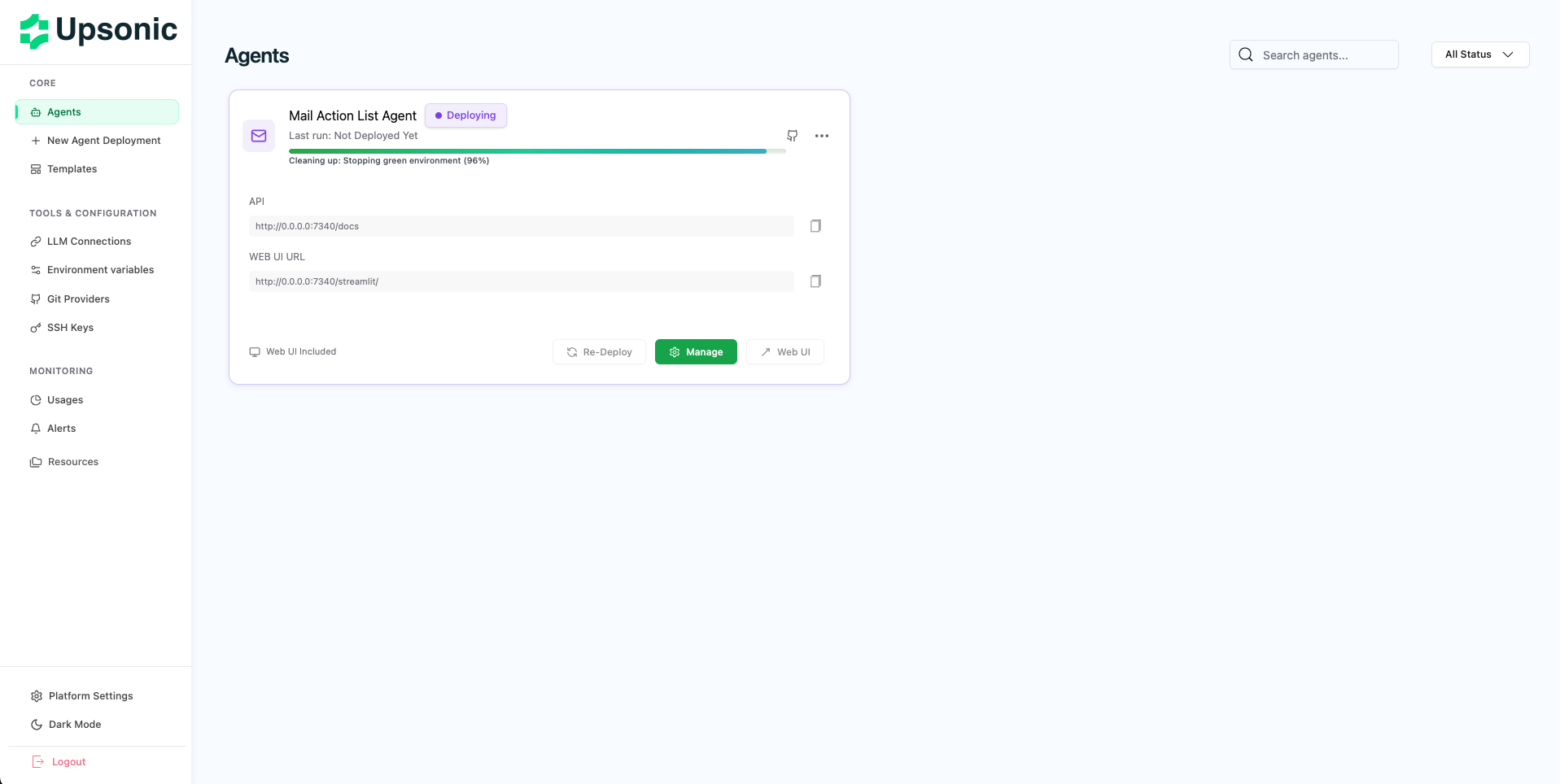
Overview

AgentOS is a comprehensive platform that enables you to build and deploy AI agents with complete observability and management capabilities. With AgentOS, you can:
  • Build and deploy agents with streamlined workflows
  • Monitor everything - track metrics, token costs, API calls, response times, and execution history
  • Transform agents into APIs - make your agents API-native and production-ready
  • Manage deployments - handle the entire deployment lifecycle from a single interface
AgentOS handles migrations, databases, async job queues, and observability infrastructure automatically, letting you focus on building intelligent agents.
AgentOS Platform Overview

Installation Types

Docker Based Infrastructure

AgentOS uses Docker containers to provide a consistent, isolated, and scalable deployment environment. Docker-based infrastructure ensures:
  • Consistency - Your agents run the same way across all environments
  • Isolation - Each agent operates in its own containerized environment
  • Scalability - Easily scale your agents based on demand
  • Portability - Deploy anywhere Docker is supported
All platform components (databases, message queues, API services) run as Docker containers, making installation and management straightforward. Prerequisites:
  • Docker (latest version recommended)
  • Docker Compose V2
  • Minimum 4GB RAM
  • Minimum 30GB disk space
Docker Hub Access: To pull AgentOS images, log in to Docker Hub:
  • Username: getupsonic
  • Password: Contact Upsonic team for access credentials
docker login -u getupsonic
The installation wizard will automatically verify prerequisites and pull the required images.

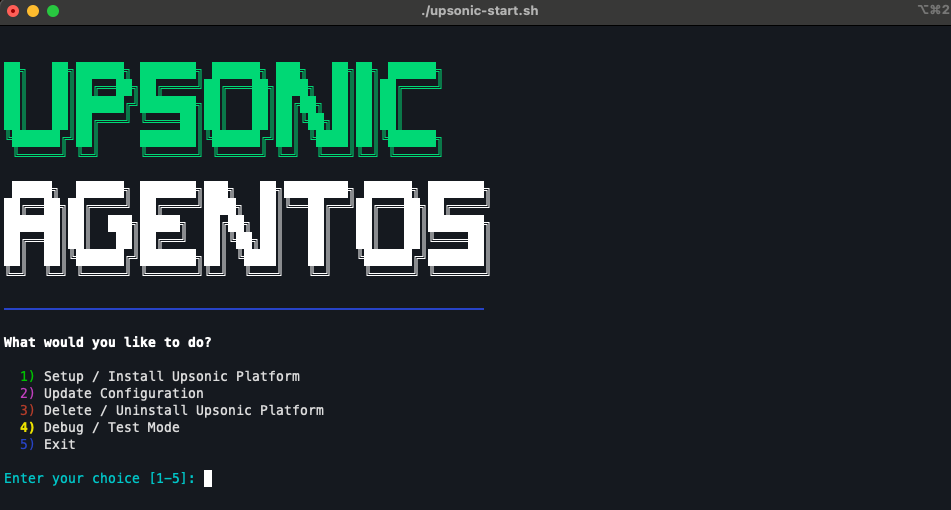
Start Script

The installation wizard guides you through the entire setup process with an interactive interface.
Step 1: Download Installation Files
Download the required files from the AgentOS Builder repository:
git clone https://github.com/Upsonic/AgentOS-Builder.git
cd AgentOS-Builder
You’ll find compose.yml and upsonic-start.sh in the repository.
Step 2: Run Installation Wizard
Make the script executable and run it:
chmod +x upsonic-start.sh
./upsonic-start.sh
The wizard will verify prerequisites and guide you through configuration.
Step 3: Configure Admin Account
Create your admin account:
  • Enter admin email address
  • Set admin password (minimum 8 characters)
These credentials will be used to access the AgentOS management interface.
Step 4: Configure SMTP (Optional)
Configure email notifications:
  • Skip: Emails will be logged to console (development mode)
  • Configure: Enter SMTP host, port, username, and password for email alerts
You can configure this later in the platform settings.
Step 5: Platform Selection
Choose your system architecture:
  • Linux (AMD64) - For Intel/AMD processors
  • Mac (ARM64) - For Apple Silicon (M1/M2/M3)
The wizard will pull the appropriate Docker images for your platform.
Step 6: Server Configuration
Configure network access:
  • IP Address: Server address (e.g., 0.0.0.0, 192.168.1.50)
  • Port: Platform port (default: 80, use 8080 if port 80 is in use)
The wizard automatically generates secure database passwords and security tokens.
Installation Wizard Steps

Access to your AgentOS

Once the installation wizard completes, you’ll see the access URL displayed in the terminal. Open your web browser and navigate to the URL provided by the wizard (typically http://IP:PORT). Log in using the admin credentials you created during installation. Upon first login, you’ll be guided to set up your Git provider or deploy your first agent with ZIP upload.
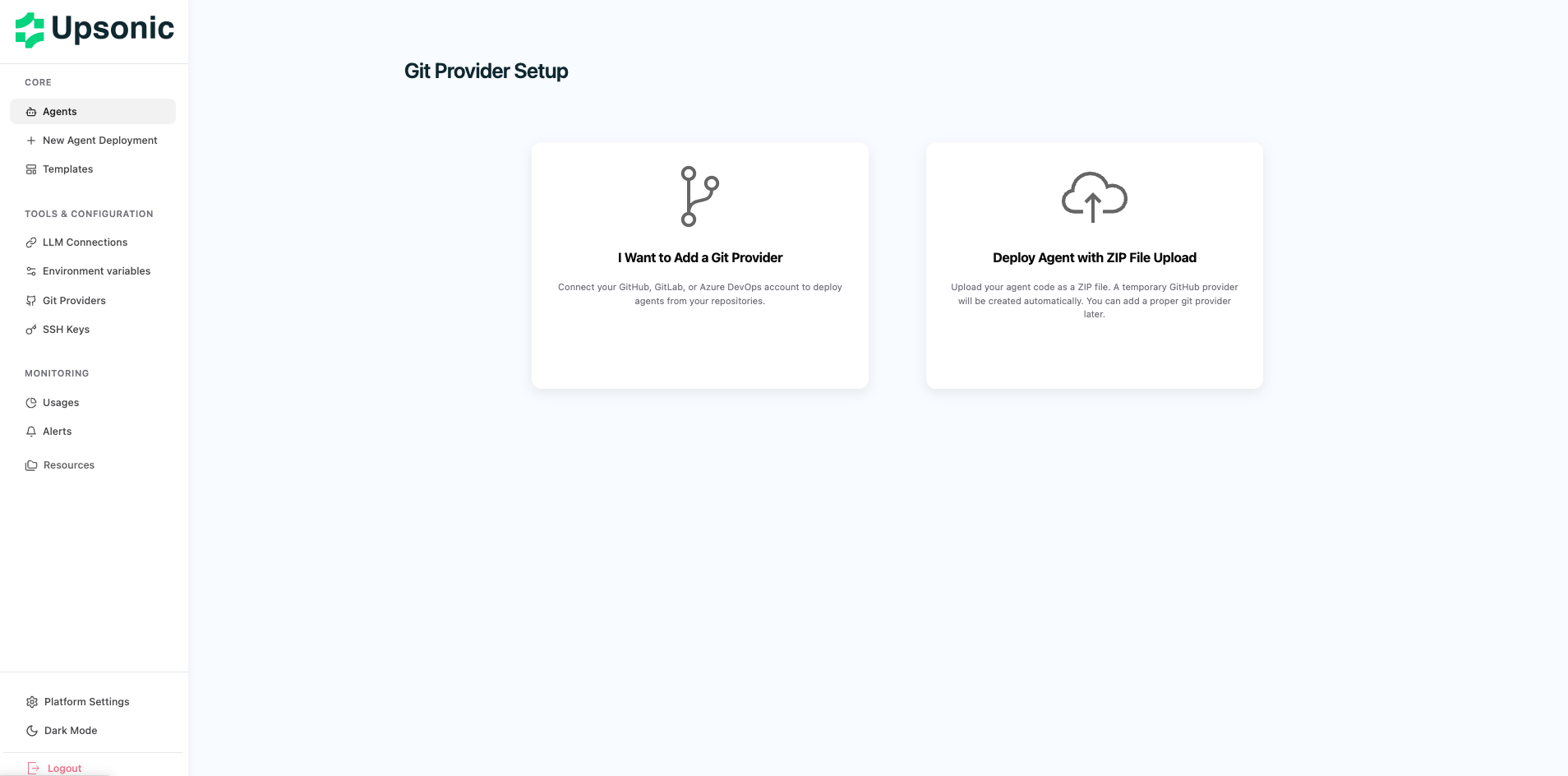
AgentOS First Login Screen

Configure Git Provider

To deploy agents from your repositories, connect a Git provider. AgentOS supports GitHub, GitLab, and Azure Repos (both cloud and on-premises). After logging in, navigate to Settings and add your Git provider credentials. All providers require organization/repository read access, pull permissions, and commit history access. For detailed setup instructions, see the Git Connection guide.

Setup LLM Connection

Configure AI model connections to power your agents. AgentOS supports cloud providers (OpenAI, Anthropic) and local providers (Ollama, Nvidia NIM). Add your LLM connections in Settings > LLM Connections. You can configure multiple providers and select different models for each agent. For detailed configuration steps, see the LLM Connection guide.

Next Steps

Deploy Your First Agent

Learn how to create and deploy your first AI agent